MaxiMenu Extension for Dreamweaver: Navigation Redefined

About the MaxiMenu Extension for Dreamweaver

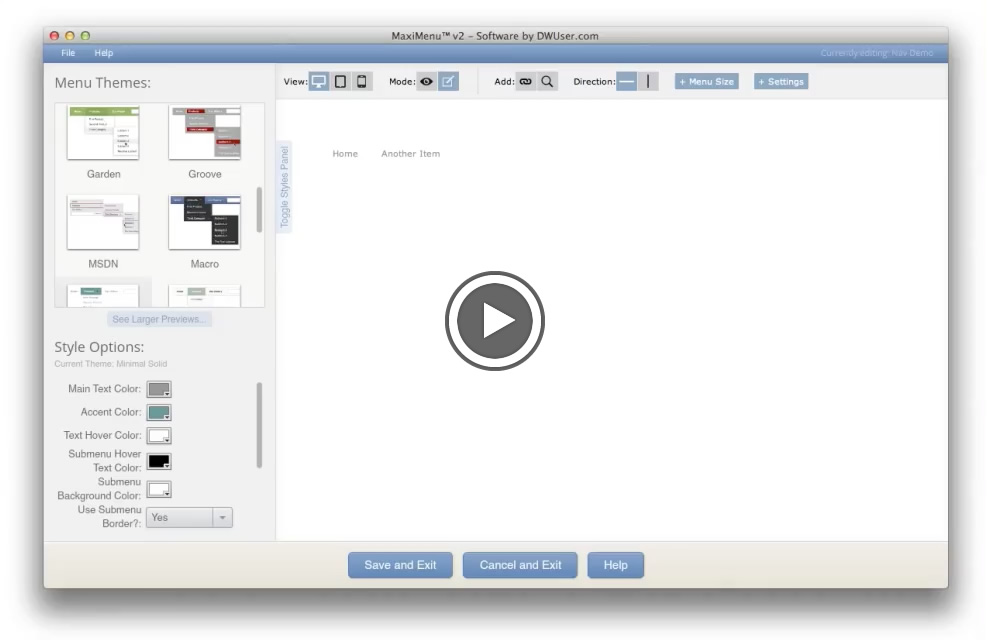
MaxiMenu Screenshot

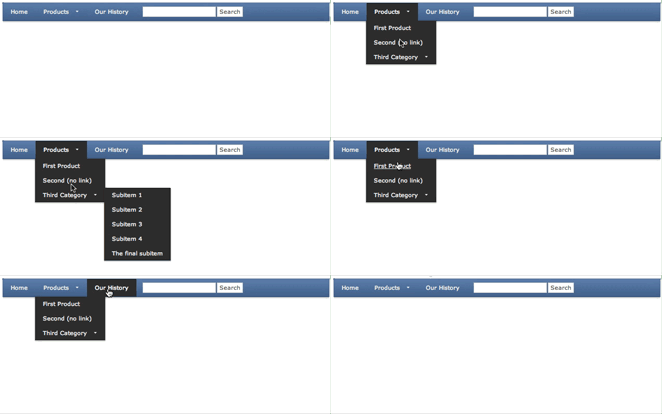
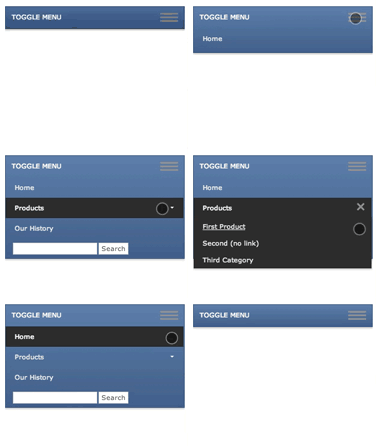
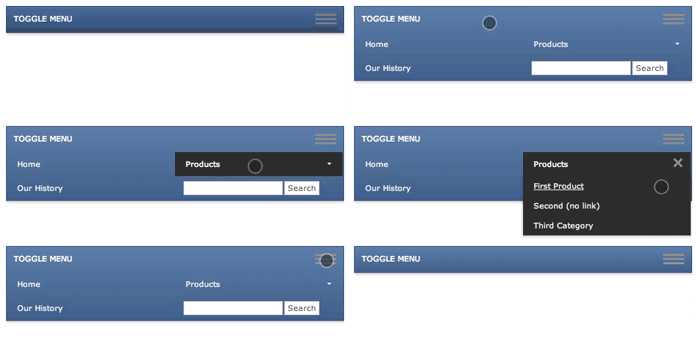
The MaxiMenu Extension for Dreamweaver allows you to create powerful Flash-based menus, directly in Dreamweaver MX, MX 2004, 8, CS3, or CS4 (Flash is not required).  The customization potential is incredible.  Use one of the 18 pre-built skins, or create your own using the style editor.  With support for custom images, icons, colors, font styles, and visual effects, the possibilities are infinite.  A list of Features is shown below, or see the Samples page for finished examples.  To download and try out the software now, go to the Download page.

To insert a menu, you click the Insert Menu button in Dreamweaver.  The wizard launches, allowing you to specify menu data using a powerful & easy-to-use interface which includes a built-in preview.  Select a pre-built skin, tweak style settings as desired, and click Insert.  Your menu will be inserted in the web page, ready for deployment.   Making changes is just as easy.  By using HTML as its base, the menu's links are fully search engine friendly.

Because the menus are Flash-based, all of your users will receive the exact same impressive experience. You won't be at the mercy of browser compatibility quirks, as is the case with Ajax and Javascript based technologies. The rock-solid stability and ubiquity of the Flash Player ensures uniform delivery of your slideshows.  According to the latest survey, at least 97.2% of internet users have the Flash Player 9, which the MaxiMenu uses.  If not, the MaxiMenu has built-in Flash Player detection, which allows you to redirect users to upgrade.

To download the free trial version now, go to the Download page.  To get started, see the detailed documentation available on the Support page.

Features

System Requirements