 Download Help PDF (29MB) | Search:


The Password Protection tab of the Gallery Properties dialog appears as follows:
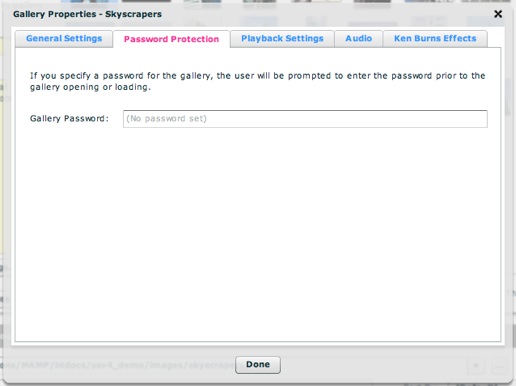
This is where you can optionally specify a gallery password. If a gallery password has been specified, the user will receive a password prompt when attempting to open the gallery, and will be required to enter the password correctly:
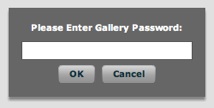
Note: Passwords are encrypted.
The settings above map to the following XML attributes on each <gallery ... > ... </gallery> node:
| Property | Equivalent Gallery Attribute |
|---|---|
| Gallery Password | @password |
Note that the '@' is part of customary syntactical representation, and is not part of each attribute name.
For more detailed XML information, see the Developer Reference.