
Responsive design allows you to use some simple CSS to transform your webpage based on each visitor’s screen size. In this article, I’ll show you how easy it is to get started with responsive design – there’s even a real demo for you to play with.
Responsive design allows you to use some simple CSS to transform your webpage based on each visitor’s screen size. In this article, I’ll show you how easy it is to get started with responsive design – there’s even a real demo for you to play with.
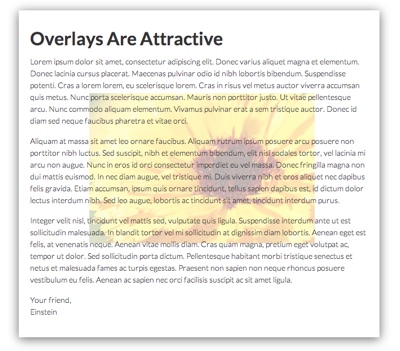
In this article, I’ll show you how to place any type of content behind existing content on your webpage. One of the most popular applications of this effect is using rotators as the background for part of your page.

In all the din surrounding CSS3 and other flashy features, it’s easy to forget about some of the more foundational CSS functionality that shouldn’t be ignored either. Today, I’m going to touch on one of the lesser-used features of CSS: the ability to customize how your webpage looks when it is printed.

Drop shadows are a great way to add depth and perspective to your webpages, highlighting certain areas and diminishing the prominence of others. In this article, I’ll introduce you to the CSS3 box-shadow property. I’ve even included a visual tool to make it easy to learn and create code for your own sites.
Home | Customer Satisfaction / Refund Policy | Privacy Policy | jQuery Slider | Top of Page
© 2003-2018 DWUser.com / Magnetic Marketing Corp. All rights reserved.